
An ERP can remain technically operational long after it stops serving the business. Reports slow down, employees build spreadsheet workarounds, integrations become fragile, and every process change needs another patch.
You should upgrade to a custom ERP system when these issues become recurring business costs. The case becomes stronger when the current platform limits growth or cannot support the workflows that make your company different.
This article is especially useful for business owners, operations leaders, CIOs, CTOs, finance teams, manufacturers, distributors, and service companies evaluating an ERP system upgrade.
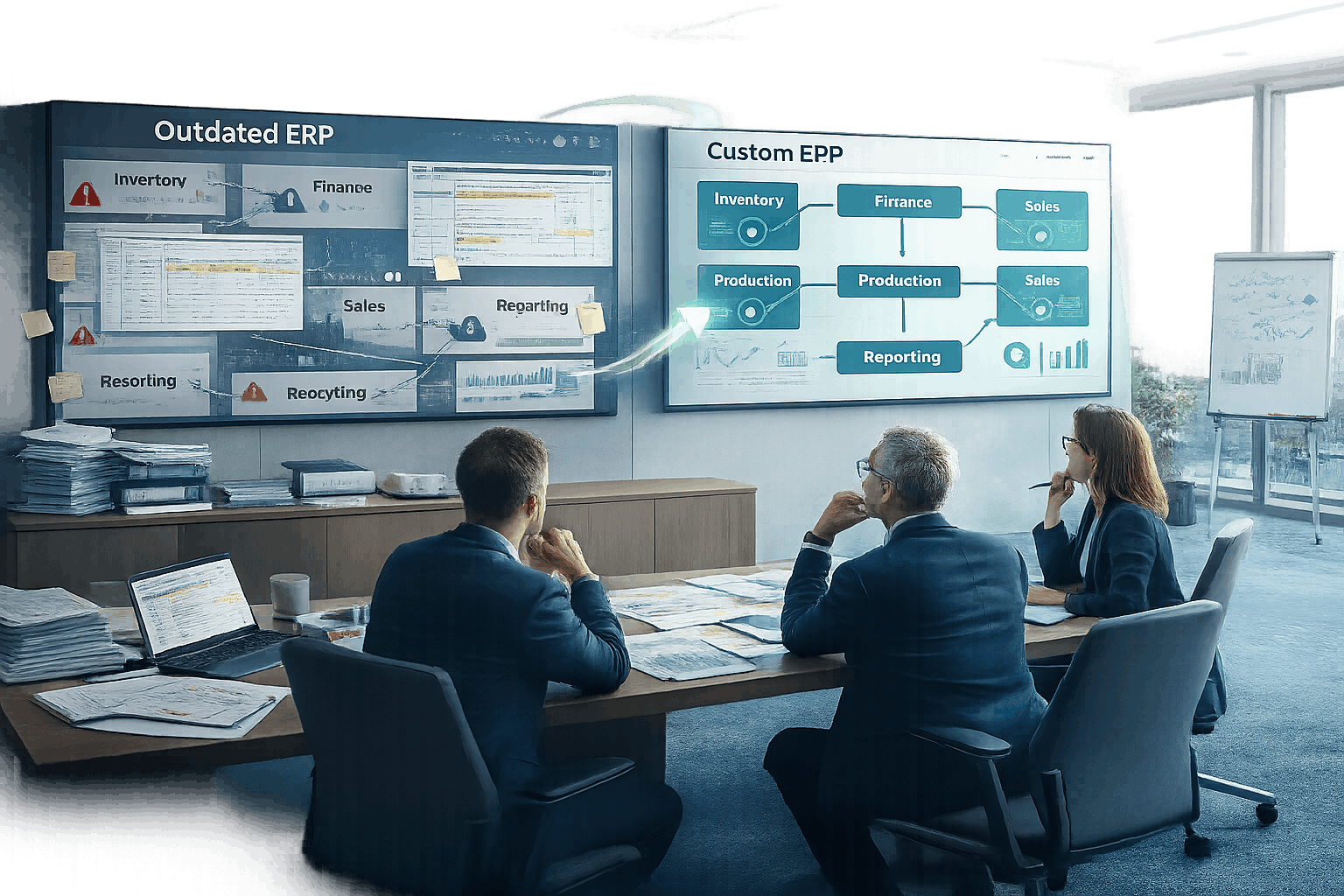
Quick Answer
Upgrade to a custom ERP system when your current platform cannot support critical workflows, reliable reporting, integrations, security controls, or future growth without costly workarounds. Custom replacement makes the most sense when your processes create competitive value and packaged ERP products would need extensive modification. For smaller problems, repair, configuration, or a vendor version upgrade may be enough.
In short: repair or configure your current ERP for isolated problems; move to a custom system when workarounds, reporting failures, or integration gaps are recurring, business-wide, and tied to processes that make your company different.
What Does an ERP System Upgrade Mean?
An ERP system upgrade can mean repairing the current platform, moving to a newer vendor version, replacing it with another packaged ERP, or rebuilding the operational core as a custom system.
The right choice depends on business value, not software age alone. Kanhasoft’s guide to legacy ERP systems makes the same distinction: an older ERP does not automatically need replacement; the real issue is whether it creates meaningful operational friction.
If your ERP has isolated, fixable problems rather than broad structural limits, Kanhasoft’s ERP repair timing guide may be the more relevant starting point before considering a custom rebuild.
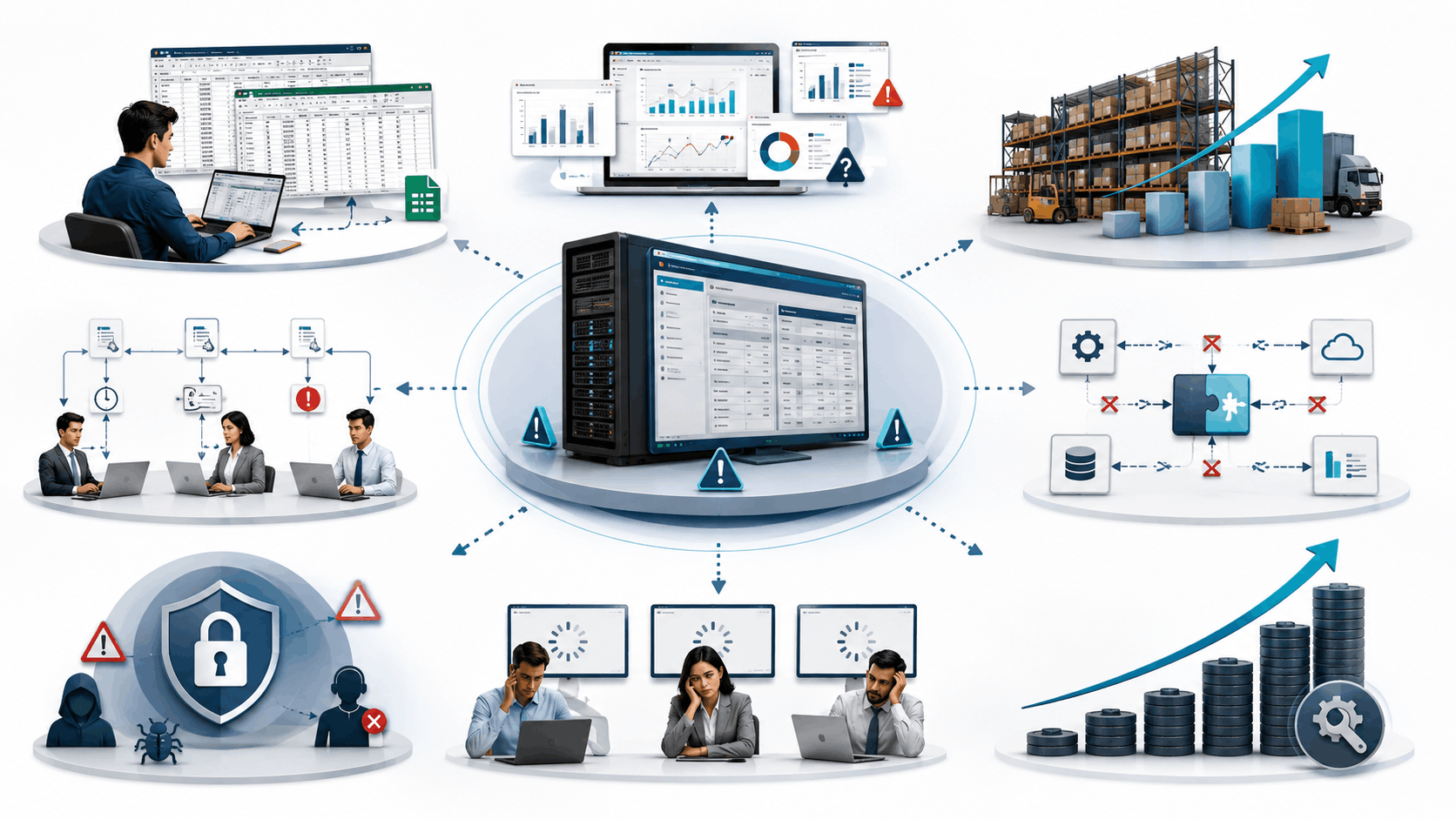
8 Signs It Is Time to Upgrade to a Custom ERP System
1. Employees Run the Business Outside the ERP
Teams export data to Excel, manage approvals in email, or track exceptions in separate sheets. These workarounds usually mean the ERP no longer reflects the real process. ECI lists manual processes, segregated data, poor user experience, and missing real-time information as common upgrade signals.
ECI lists manual processes, segregated data, poor user experience, and missing real-time information as common upgrade signals.
2. Management Cannot Trust Reports
Leaders should not need several departments to reconcile data before receiving a usable report. First, check whether the cause is poor master data, weak process discipline, or missing integrations. New software cannot fix unclear data ownership by itself.
3. Growth Is Exposing Structural Limits
Growth may add transactions, products, branches, entities, currencies, tax rules, warehouses, or service models. QAD identifies new markets, offerings, and divisions as common reasons to reconsider an ERP.
A custom solution becomes relevant when growth introduces unusual pricing, allocation, approval, production, or cross-company rules. A merger, acquisition, or new business unit is one of the most common versions of this problem — it often leaves a company running two or three overlapping systems that no packaged ERP configuration was built to reconcile.
4. Generic Workflows No Longer Fit
Standard ERP products work well for common processes. Problems arise when employees enter artificial values, skip controls, or repeatedly modify modules just to complete real work.
Compare custom ERP with multiple business tools before rebuilding. Custom development is justified when workflow fit creates measurable value, not simply because users want a different screen.
5. Integrations Are Fragile or Expensive
Modern operations may connect CRM, ecommerce, accounting, warehouse, payment, supplier, and logistics systems. If integrations fail silently, create duplicate records, or depend on file transfers, the architecture may have reached its limit.
Before rebuilding, define which system owns each record and how failures will be handled. Kanhasoft’s ERP API integration guide explains why monitoring, reconciliation, and error recovery matter as much as the connection itself.
6. The Platform Cannot Be Supported Safely
Unsupported software, scarce technical specialists, delayed patches, weak audit trails, and limited access controls create continuity risks. QAD also highlights compliance gaps, security exposure, and limited connectivity as risks of not upgrading.
This is also where cloud readiness belongs in the conversation: an on-premise platform nearing end of vendor support is a different, often more urgent risk than a cloud system simply feeling dated, since patching, backup, and security responsibility shift depending on which one you have.
Ask qualified security, privacy, legal, or compliance specialists to review industry-specific obligations. A cloud move alone does not make an ERP compliant.
7. User Adoption Is Falling
Slow screens, confusing navigation, poor mobile access, excessive clicks, and irrelevant fields push users toward workarounds. ECI includes poor user experience and limited mobile access among its upgrade indicators.
This shows up beyond daily frustration, too: a system that new hires find confusing can slow onboarding and make it harder to attract and retain talent who expect modern, intuitive software.
However, weak training or unclear procedures can create similar symptoms. Observe real tasks before blaming the software.
8. Keeping the Current ERP Costs More Than Changing It
Legacy costs appear in manual labor, reconciliation, integration fixes, downtime, errors, support, and delayed decisions. Measure these recurring costs instead of relying on general complaints.
When the cost and risk continue to rise, an upgrade becomes an operational investment rather than an IT preference.
Upgrade, Replace, or Build Custom?

|
Current situation |
Likely option |
Reason |
|
Stable, supported ERP with limited issues |
Repair or optimize |
Lowest cost and disruption |
|
Good platform but outdated version |
Vendor upgrade |
Preserves familiar processes |
|
Mostly standard processes, poor vendor fit |
New packaged ERP |
Modern capability without full custom development |
|
Complex, workaround-heavy core workflows |
Custom ERP |
Supports business-specific rules |
|
Unclear root cause |
Process and technical audit |
Avoids solving the wrong problem |
QAD recommends choosing between upgrading and replacing based on business value. Staying with the current vendor may reduce disruption, while replacement may help when new capabilities or consolidated systems are required.
Custom ERP Readiness Scorecard
|
Decision area |
Evidence to collect |
|
Process fit |
Workarounds, duplicate steps, exception volume |
|
Data quality |
Reconciliation time, missing or duplicate records |
|
Growth |
New entities, locations, users, products, transaction load |
|
Technology risk |
Support status, security gaps, integration failures |
|
Financial case |
Current operating cost versus change and ownership cost — i.e., total cost of ownership (TCO) of staying versus rebuilding |
One unpopular feature is not a business case. Repeated failure across departments is.
A Manufacturing Example
A manufacturer may use separate tools for sales, purchasing, stock, production, and logistics. As volume grows, planners cannot see current materials, procurement reacts late, and sales cannot confirm reliable delivery dates.
In one documented Kanhasoft project, disconnected tools were replaced with a role-based ERP linking production, inventory, procurement, sales, and logistics. It included bill-of-materials planning, real-time stock tracking, and connected order fulfillment.
The lesson is not that every manufacturer needs custom software. Custom ERP becomes reasonable when one connected workflow is essential and standard tools require too much compromise.
How to Plan the Upgrade

Start with business discovery, not a feature wish list.
- Document workflows, controls, reports, integrations, and exceptions.
- Separate must-have requirements from preferences.
- Decide what to retain, replace, integrate, archive, or redesign.
- Clean and map data before migration.
- Test high-risk workflows with real scenarios.
- Roll out by module, location, or business unit where practical.
- Define training, support, ownership, and improvement cycles.
QAD recommends agreeing on scope, expectations, timelines, costs, resources, roles, deliverables, and milestones before implementation.
A phased rollout can reduce risk, although parallel systems create extra reconciliation. Choose the transition model based on transaction volume and operational impact.
When Custom ERP Is Not the Right Choice
A packaged ERP may be better when your processes are standard, implementation must be fast, most gaps can be configured, or the organization cannot support detailed discovery and testing.
Custom software offers control and workflow fit. It also needs stronger ownership, disciplined testing, and an ongoing maintenance plan. Do not rebuild an ERP merely because its interface looks dated.
Conclusion
You should upgrade to a custom ERP system when the existing platform consistently blocks important workflows, reporting, integrations, compliance, adoption, or growth—and when workarounds cost more than keeping the system creates in value.
The best decision is not always replacement. Compare repair, vendor upgrade, packaged ERP, and moving to a custom-built platform using workflow evidence, risk analysis, and a realistic business case.
Editor’s note: Reworded the closing sentence to swap in ‘moving to a custom-built platform’ instead of repeating ‘custom development’ — part of trimming the exact-match keyphrase repetition flagged in the review (the phrase ‘upgrade to a custom ERP system’ otherwise appears 7+ times verbatim across the piece).
Need Help Evaluating the Right ERP Upgrade Path?
Kanhasoft’s custom ERP development services include workflow discovery, architecture planning, integrations, data migration, testing, deployment, training, and support.
If your team is unsure whether to repair, upgrade, replace, or rebuild, a focused assessment can identify the gaps before development begins. You can discuss your ERP requirements with Kanhasoft without assuming custom development is the only answer.