What Is an AI-Powered Call Center QA & Scorecard Platform?
An AI-powered call center QA platform gives contact-center teams a structured way to define quality standards and apply them consistently to transcribed customer conversations.
The solution combines both approaches. Keywords handle explicit evidence, while AI prompts evaluate contextual behaviors. Human reviewers then work from the same scoring Definitions used by automated QA.
Project Brief
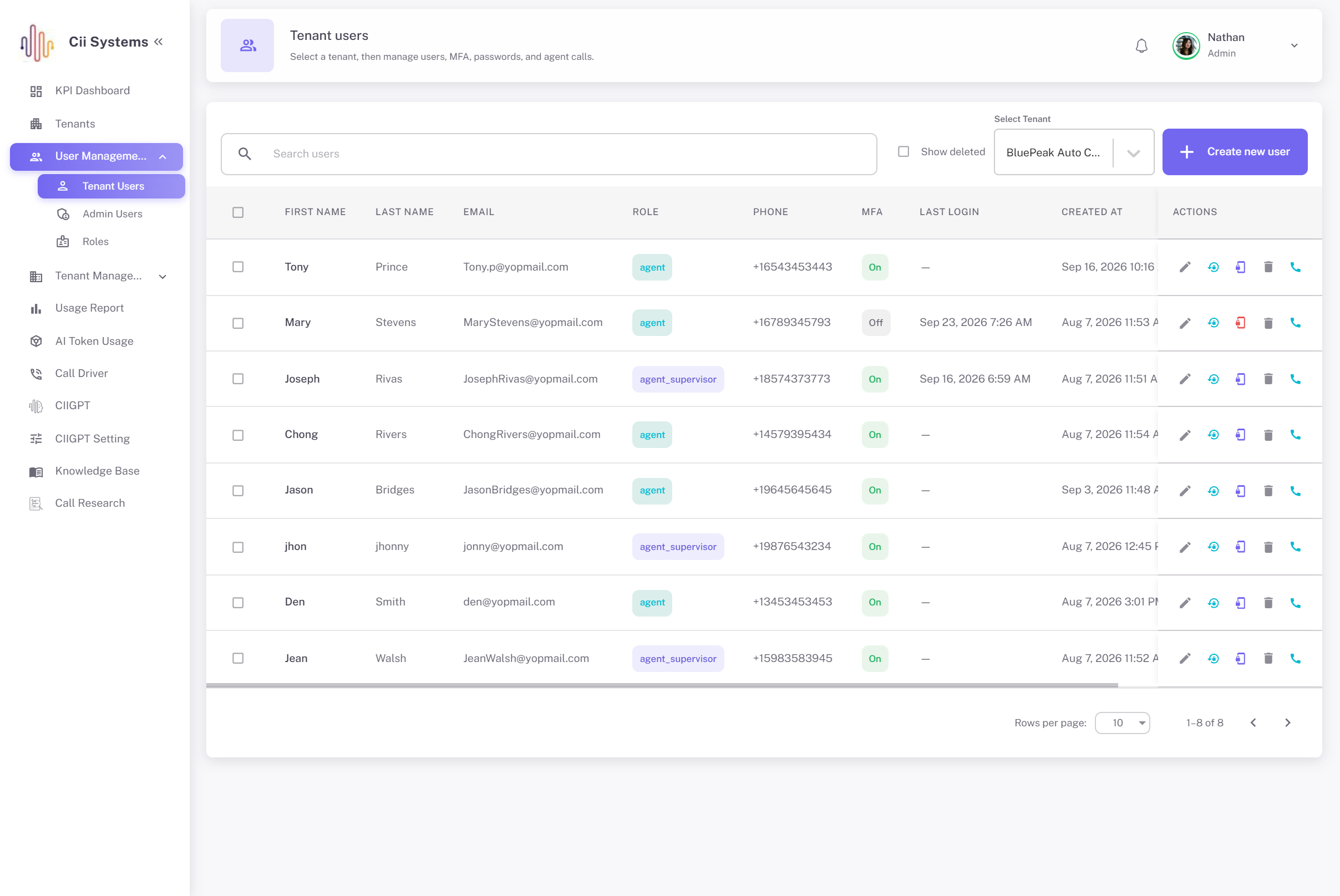
The project centered on the scorecard administration workspace within a larger Call Center Systems environment.
The purpose of this workspace was not simply to create forms. It had to define the rules that determine how automated QA and human scorers judge calls.
A quality leader can create a scorecard once and use that structure across:
- Automated QA
- Manual scoring
- Review and approval
- Reopening
- Rescoring
- Historical evaluation
That distinction matters because contact centers rarely operate with one universal checklist.
An inbound sales team may be judged on qualification and objection handling. A collections team may follow different compliance and communication rules. Customer care may place more emphasis on empathy, issue handling, and resolution quality.
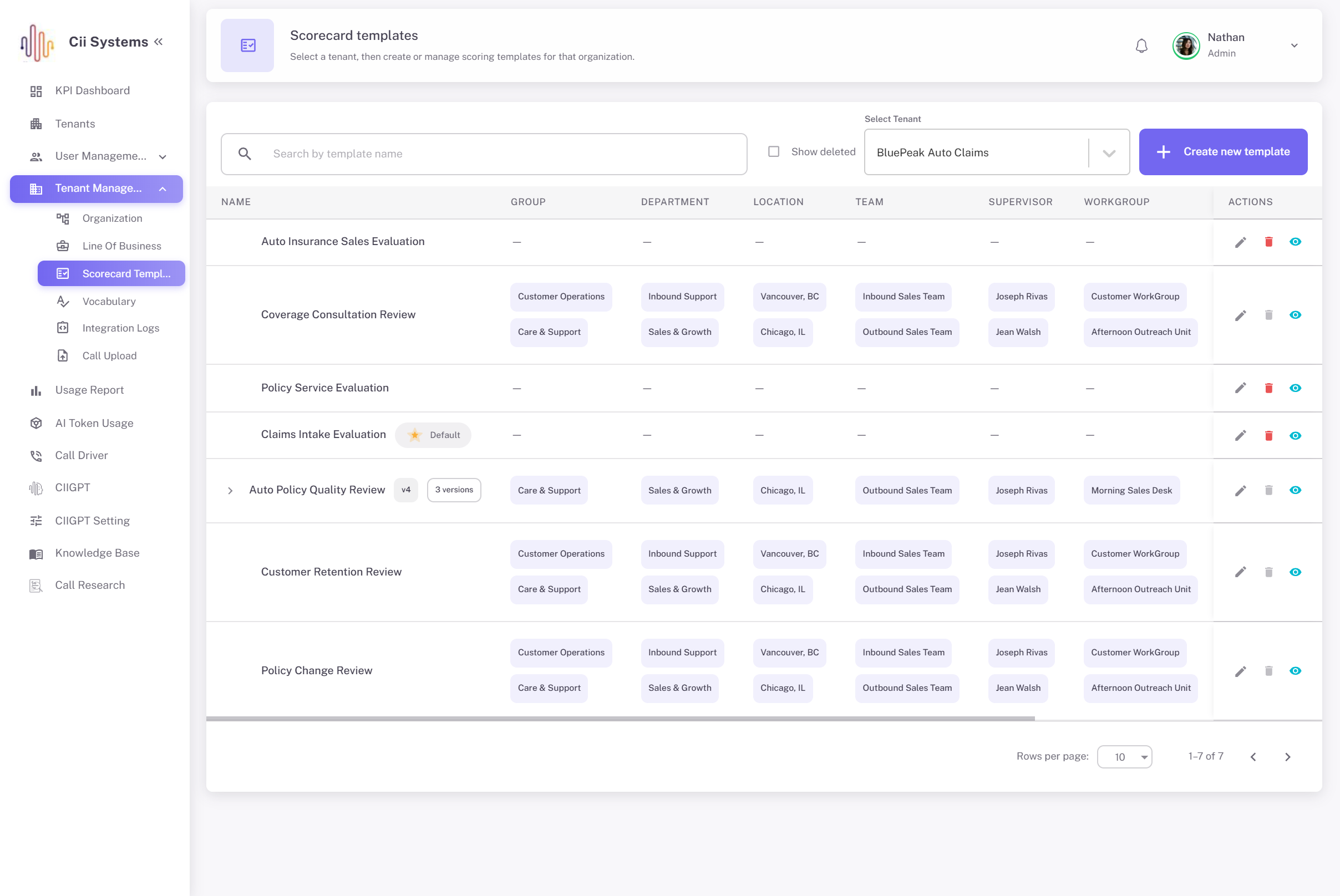
Even within the same business, standards can vary by department, location, team, supervisor, or workgroup.
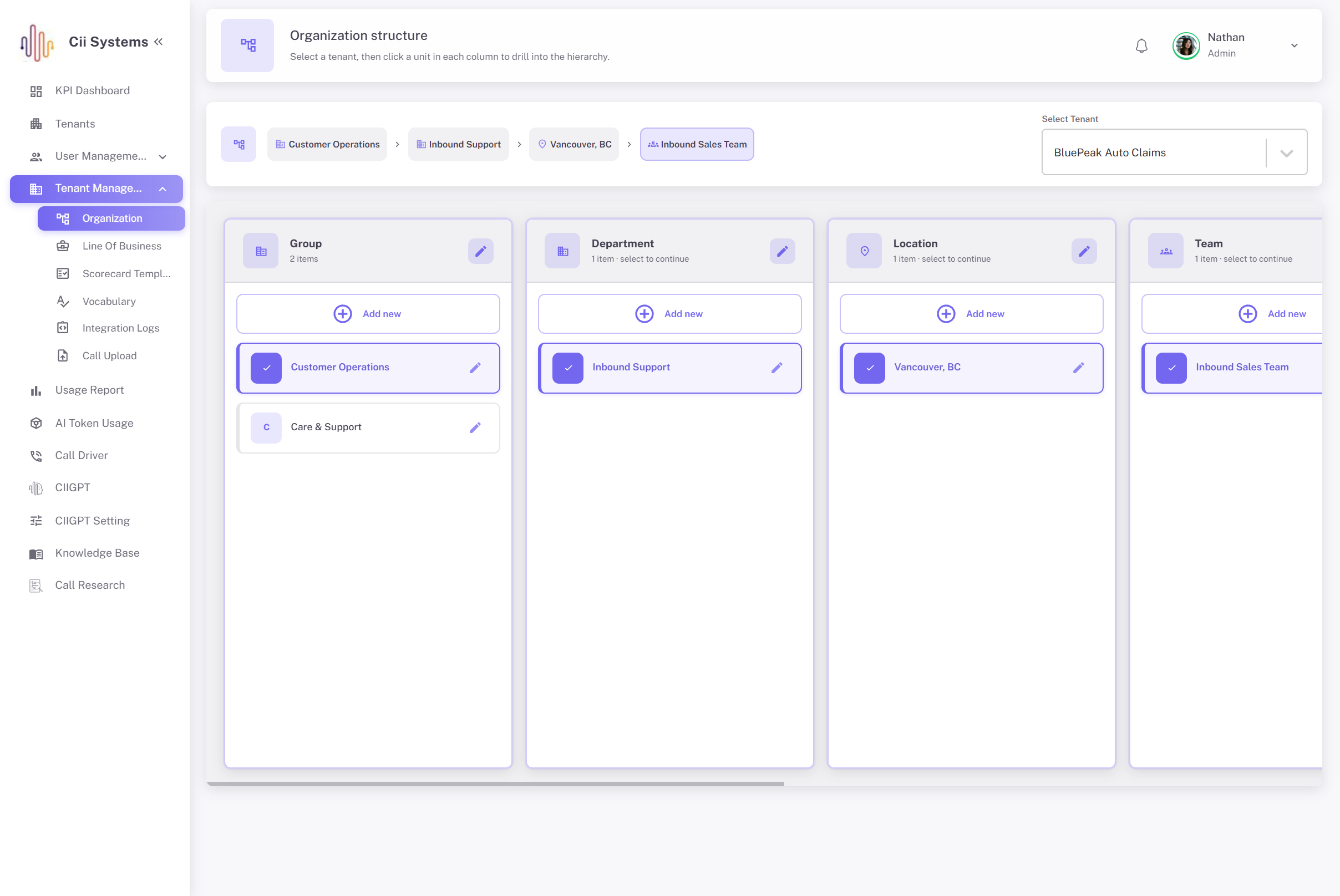
The scorecard system therefore follows the organization's real hierarchy instead of attaching a free-text team name to a generic template.
Technologies
-

React
-

TypeScript
-

Material UI
-

Redux Toolkit
-

AWS AppSync
-

GraphQL
-

AWS Lambda
-

Amazon Cognito
-

Amazon DynamoDB
-

PostgreSQL
-

Amazon S3
-

Amazon SQS
-

Gemini
-

Vertex AI
Client's Need
The client needed a call center QA system that could handle detailed scoring rules without separating automated evaluation from human review.
Flexible Scorecards
Different business units needed their own quality models. A scorecard could therefore apply at Group, Department, Location, Team, Supervisor, or Workgroup level.Structured Scoring
A flat checklist was not enough. Quality rules needed to follow a Category → Subcategory → Definition structure so complex scorecards stayed manageable.Keyword Checks
Quality teams needed control over keywords, minimum match counts, exact-match settings, and required phrases.AI Evaluation
Some behaviors could not be evaluated accurately by searching for words alone. The system needed prompts for contextual questions such as empathy, professionalism, or objection handling.Visible Weighting
Administrators needed to decide how much of a Definition's result came from keyword evidence and how much came from AI evaluation.Shared QA Standards
A machine and a human should not be scoring against two different versions of quality. Both needed the same Definitions, questions, and point structure.Version History
Updating a live scorecard could not erase the scoring logic used for older calls.Effective Dates
A new template might start today, next month, or from an earlier date. Each situation needed to be handled explicitly.Organization Assignment
Scorecards had to follow the actual tenant hierarchy rather than rely on loosely entered team names.Excel Import
Large existing scorecards needed a practical migration route instead of forcing administrators to retype every rule manually.
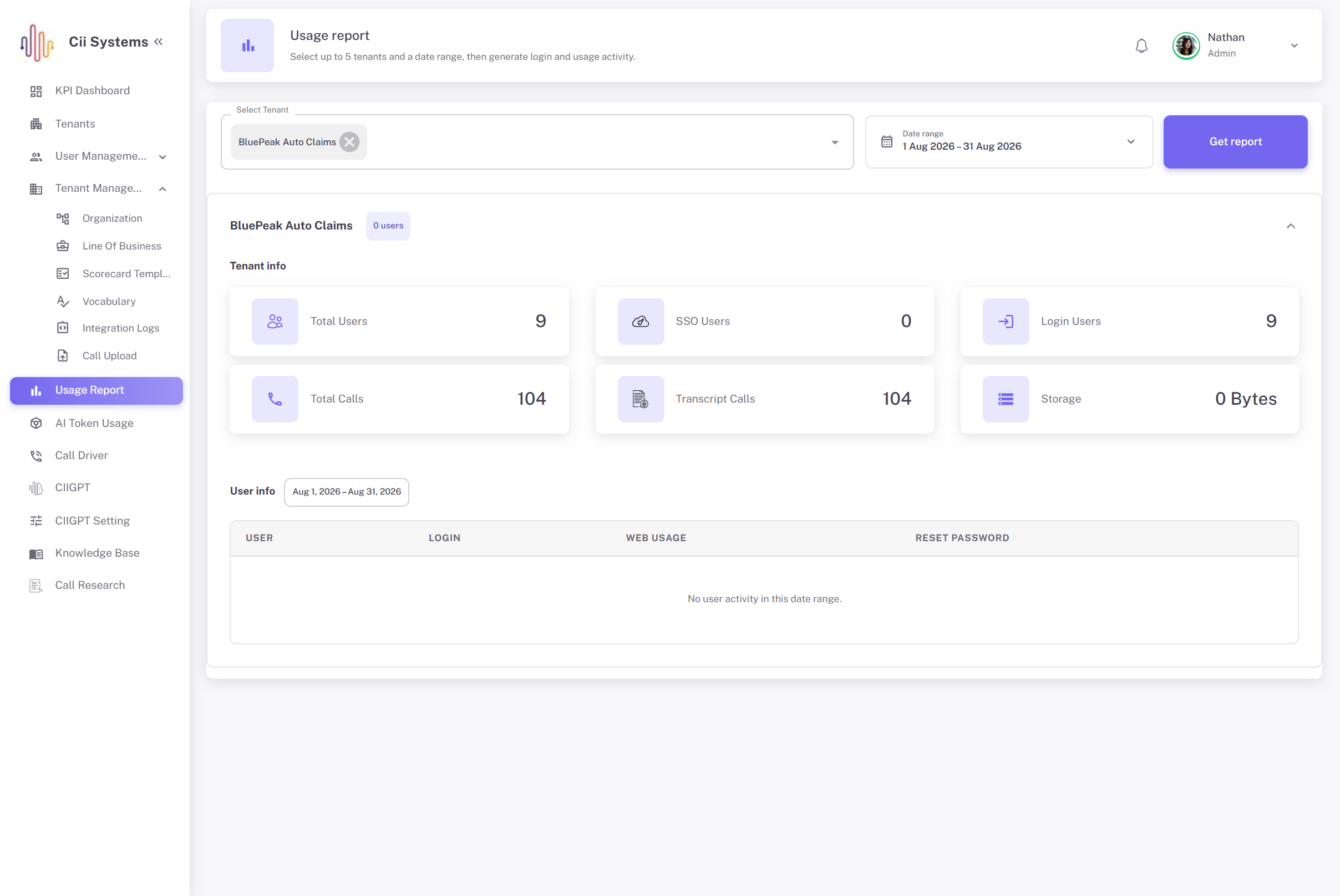
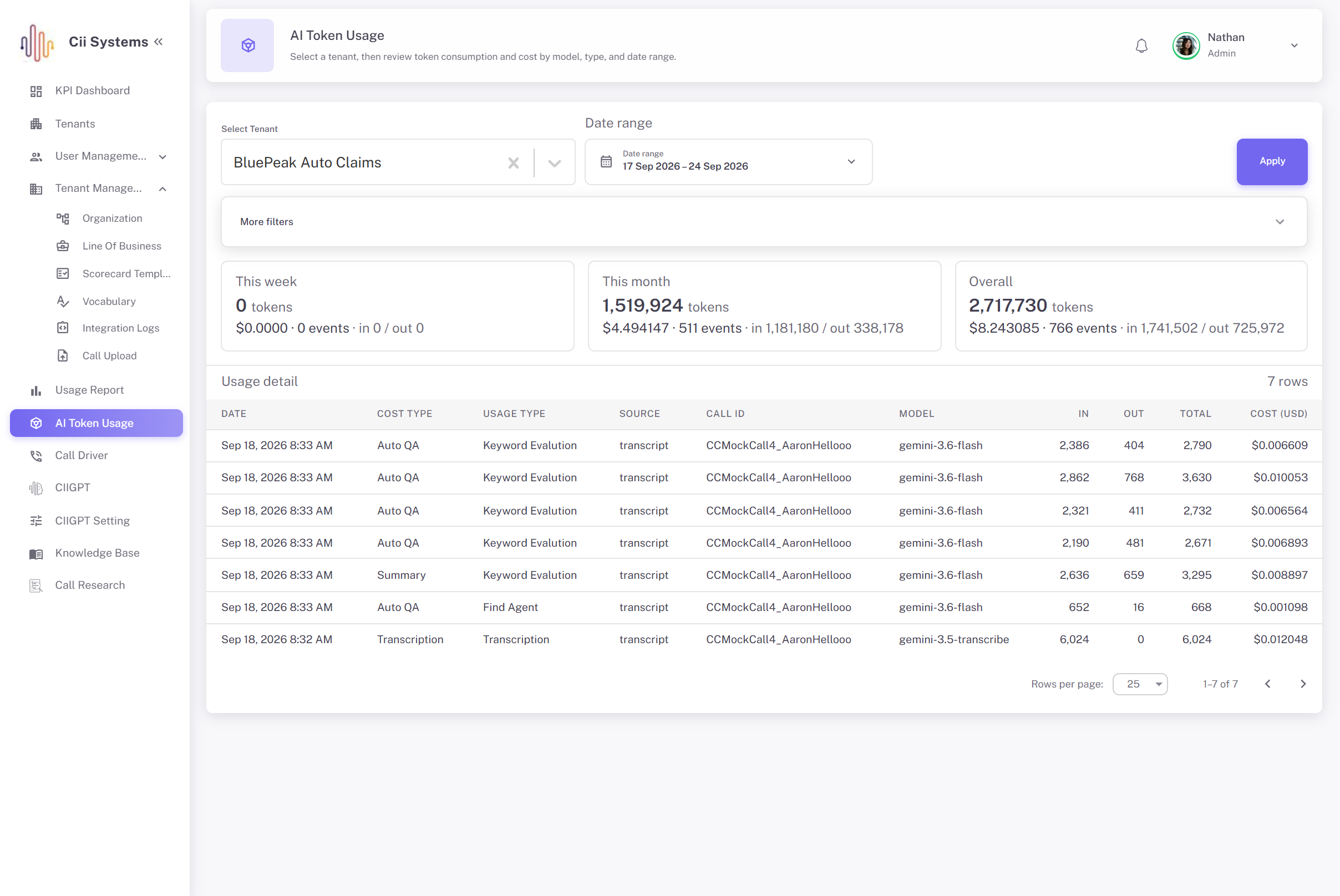
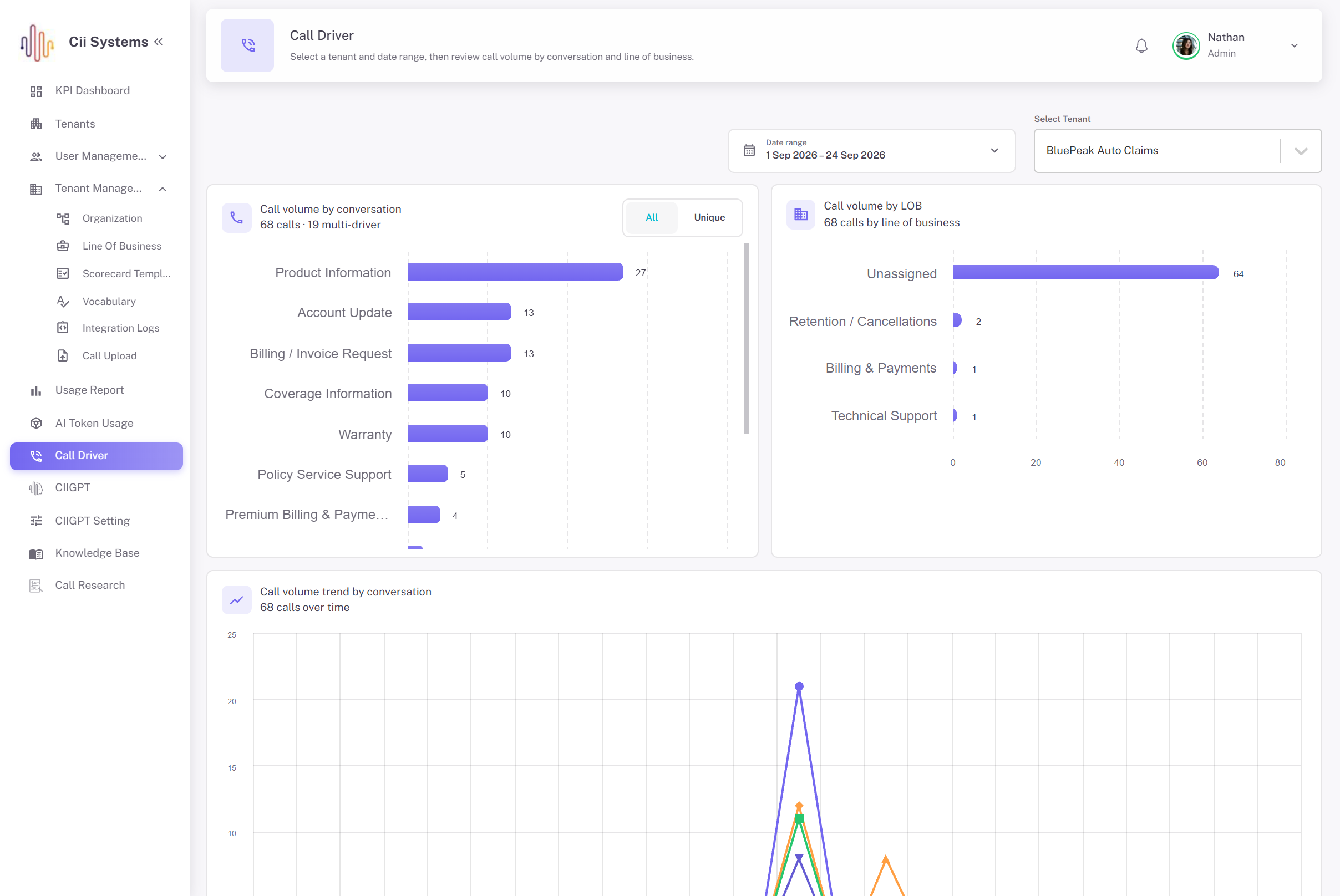
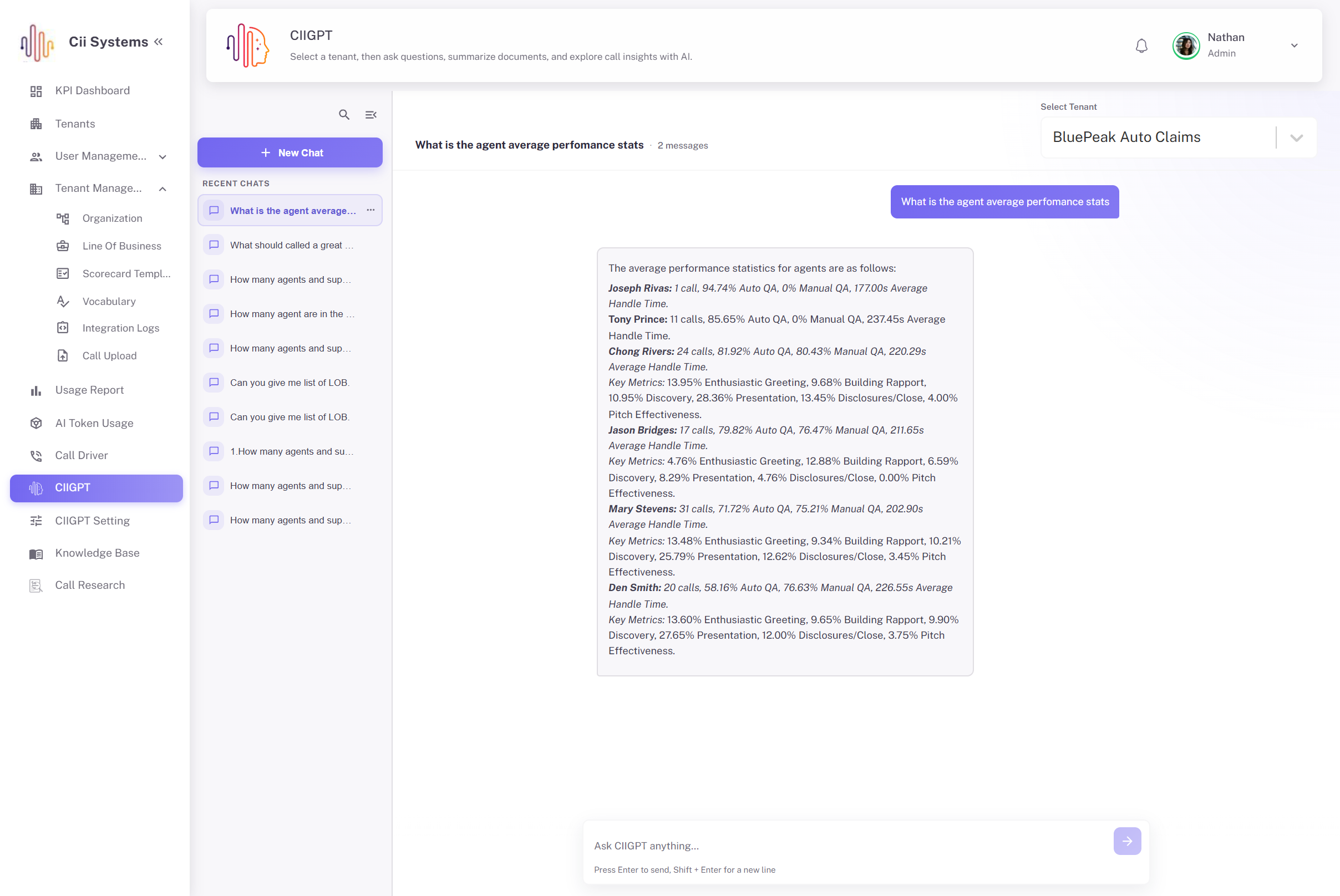
Build AI-Powered Call Center QA Around the Rules Your Team Actually Uses
Adding AI to call-quality review is the easy part. The harder question is: what exactly should the AI judge, and how do you make sure people are judging the same thing?
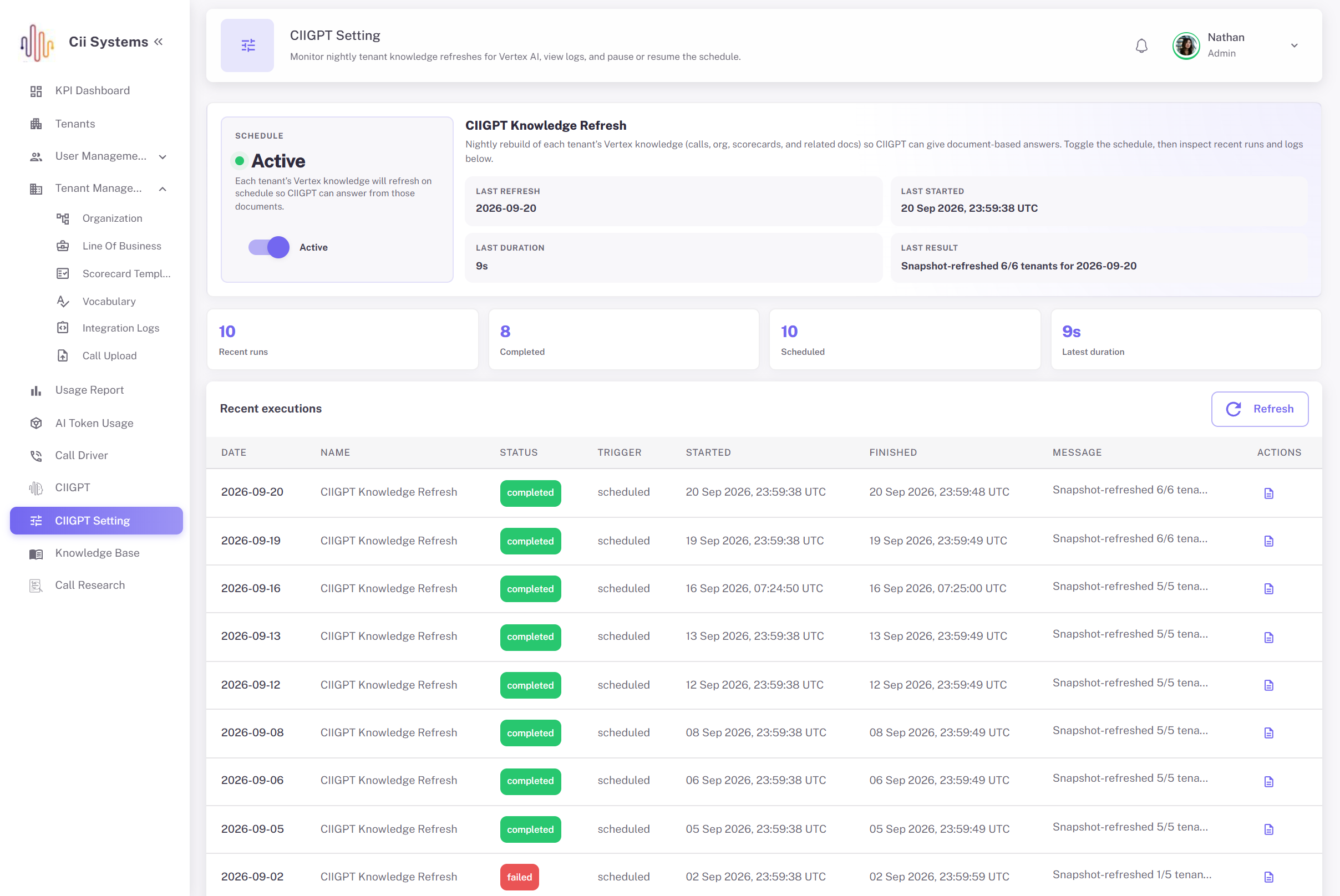
That requires clear scorecards, visible scoring logic, controlled AI prompts, human review, version history, organizational assignments, and a reliable way to handle changes over time.
This project brought those pieces together so AI evaluation could operate inside the client's QA process rather than beside it.
Kanhasoft can help businesses build AI-powered applications, custom business software, contact-center QA systems, transcript-analysis workflows, AWS applications, and business automation around their own operational rules.
Discuss your call center QA requirements with Kanhasoft.

Challenges
Different Teams, Different Standards
Sales, collections, service, and other contact-center teams often measure quality differently. One global scorecard would not reflect how those teams actually work.
Keywords Only Tell Part of the Story
A greeting is easy to detect. Whether that greeting sounded professional is a different question. Context-heavy behaviors needed something beyond phrase matching.
Human Scoring Can Vary
Without clear definitions, two experienced reviewers can still score the same interaction differently.
Automated QA and Manual QA Could Drift Apart
If AI uses one set of questions while reviewers use another, the organization ends up comparing two different scoring systems.
Historical Scores Must Still Make Sense
Changing a scorecard in place can create a serious reporting problem. A score from last month should still be traceable to the rules that existed when it was produced.
Organization Structure Was Complex
The scorecard assignment process needed to understand Group, Department, Location, Team, Supervisor, and Workgroup relationships.
Backdated Changes Have Consequences
Applying a scorecard from a date in the past may require existing calls to be reassigned or rescored.
Manual Setup Does Not Scale Well
Re-entering a large scorecard from Excel is slow and introduces another opportunity for mistakes.
AI Needed to Be Explainable
Quality leaders needed to know how much of a result came from a keyword match and how much came from AI judgment.
These requirements meant the project needed much more than an AI prompt attached to a transcript. The real work was in making AI evaluation controlled, repeatable, versioned, and understandable.
Solutions
Nested Scorecard Builder
We structured scorecards around Categories, Subcategories, and Definitions. That gives administrators enough flexibility for detailed QA models without turning the configuration into one long checklist.
Keyword-Based Evaluation
Each Definition can include phrases, match-count requirements, exact-match options, and required-presence rules.
AI Prompt Evaluation
Gemini / Vertex AI executes stored prompts for behaviors that depend on conversational context rather than exact wording.
Configurable Keyword and AI Weighting
Quality leaders decide how much each method contributes to the Definition while the two weights always total 100%.
One QA Model for People and Automation
Automated QA, manual scorers, reviewers, approvals, and rescoring all work from the same scorecard structure.
Versioned Templates
Editing scoring content creates a new child version. The older template stays available for historical calls.
Effective-Date Controls
Scorecards can begin immediately or on a selected date. A backdated start can also trigger historical migration where required.
Hierarchy-Based Assignment
Templates are assigned through the tenant's real organization tree instead of unrestricted labels.
Default Scorecard Rules
A broader template can act as the default when a more specific assignment is not available. Only the appropriate root template can hold that default status.
Controlled Excel Import
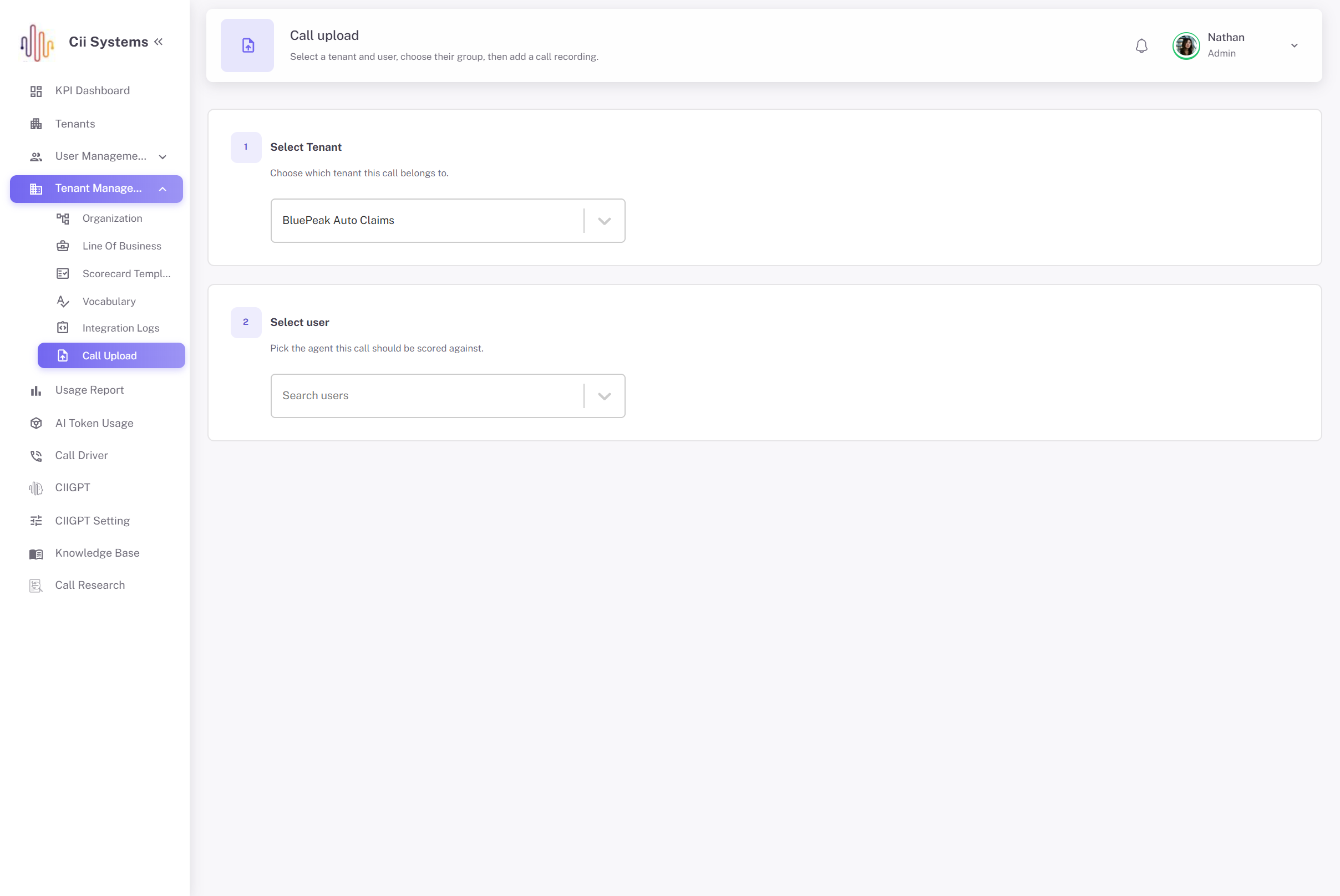
Existing scorecards can enter the system through a tracked S3 upload and processing workflow rather than manual re-entry.
The result is a QA configuration system where business rules and AI-based evaluation work together instead of competing with each other.
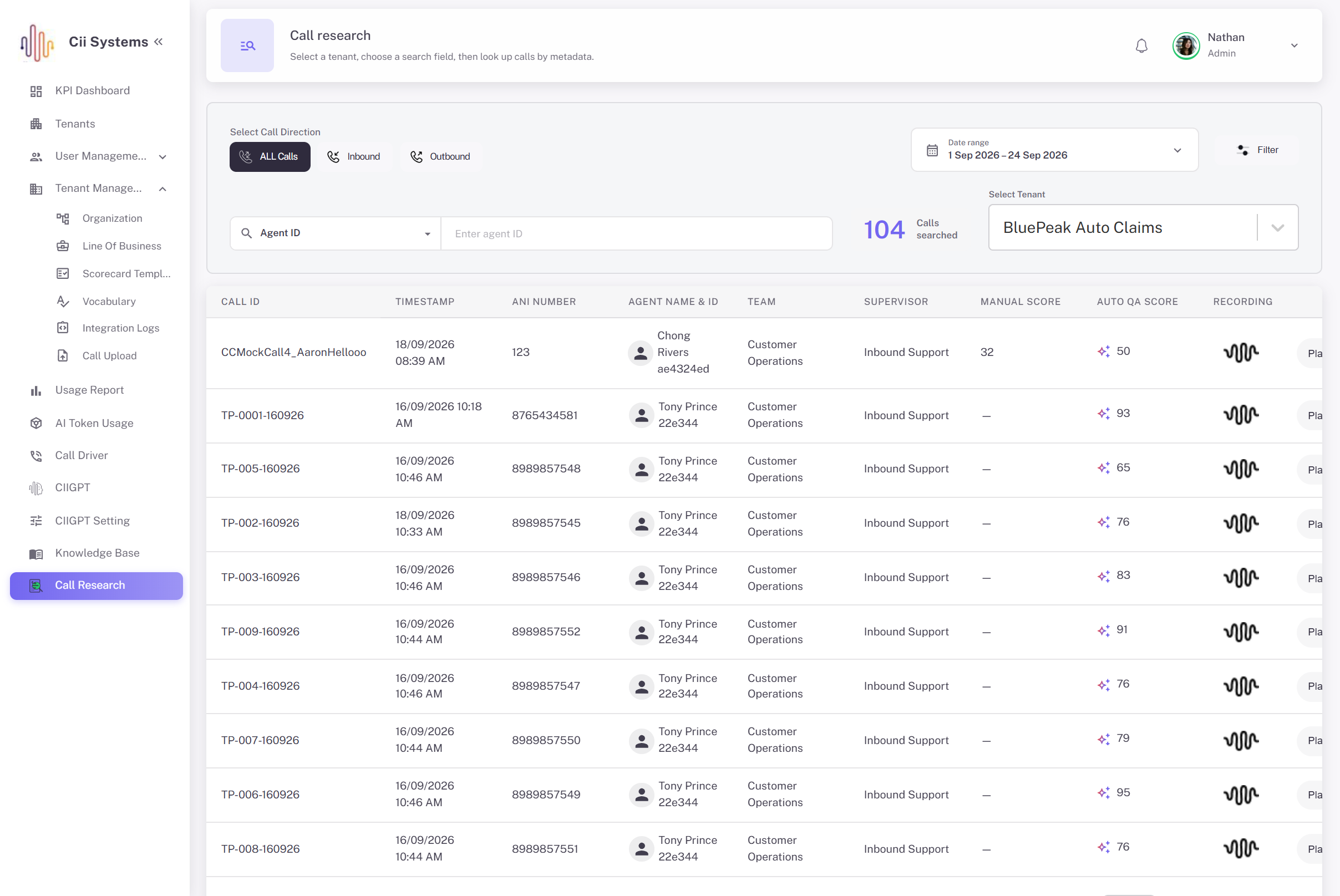
AI-Powered Call Quality Evaluation & Scorecard Management
The platform brings AI evaluation, keyword-based scoring, human QA, version control, historical rescoring, and scorecard administration into one controlled workflow.
AI & Keyword Evaluation
Each scoring Definition can combine keyword rules with AI prompts. Keywords work well for explicit checks such as greetings, identity verification, or required phrases. AI handles behaviors where the meaning of the conversation matters more than an exact word match.
Contextual Behavior Analysis
AI prompts can evaluate areas such as empathy, active listening, professionalism, greeting quality, and objection handling. Prompts can return a Yes/No result or a score within a defined minimum and maximum range.
Configurable Weighting
Each Definition has a Keyword Weight and an AI Prompt Weight. Together, they always equal 100%. A straightforward compliance check may rely more on keywords, while a contextual behavior can assign a larger share to AI.
Behavioral Scorecard Starters
Administrators can start with predefined behaviors such as Greeting, Verify Customer Information, Empathy & Active Listening, Professionalism, and Overcoming Objections instead of building every rule from scratch.
Version Control
When scoring criteria change, the live scorecard is not overwritten. The system creates a new child version and keeps the original available, so reviewers can still see which rules produced an older score.
Effective Dates & Historical Rescoring
Scorecards can take effect immediately or from a selected date. If an effective date is set in the past, Amazon SQS can queue the required migration for historical calls within the affected organization scope.
Excel Scorecard Import
Existing scorecards can be uploaded through a time-limited Amazon S3 URL. The import is tracked through defined stages such as Initiated → File Uploaded → Processing → Completed / Failed.
Automated QA & Human Review
Automated QA uses the configured transcript, keywords, AI prompts, points, and weights. Human scorers see the same Categories, Subcategories, Definitions, and evaluation questions.
Review & Rescoring
Approval, rejection, reopening, and rescoring remain tied to the same scoring structure, rather than creating a separate process for automated and manual QA.
One Shared Scoring Standard
The main advantage is that AI and human reviewers work from the same rulebook. This keeps automated QA aligned with the quality standards that reviewers and managers already understand.
Key Features
AI-assisted automated QA
Nested Categories and Subcategories
Exact-match controls
Score-based AI prompts
Behavioral scorecard starters
Professionalism evaluation
Organization-based scorecard assignment
Version history
Rescoring support
Import-status tracking
Reopening
Gemini / Vertex AI evaluation
Definition-level scoring rules
Required-keyword settings
Configurable minimum and maximum scores
Greeting evaluation
Objection-handling evaluation
Group, Department, and Location assignment
Parent / child template relationships
Soft delete and recovery
Manual QA queues
Historical scoring traceability
Transcript-based scoring
Keyword matching
AI evaluation prompts
Keyword and AI weighting
Customer information verification
Optional tracking questions
Team, Supervisor, and Workgroup assignment
Effective dates
Excel scorecard import
Review workflow
Configurable scorecard templates
Minimum keyword match counts
Yes / No prompt responses
Automatic balancing of scoring weights
Empathy and active listening checks
Call-driver fields
Default templates
Historical migration
S3 signed uploads
Approval and rejection
Architecture & Scalability
The administrative workspace uses React and TypeScript, with Material UI for interface components and Redux Toolkit for state management.
AWS AppSync exposes the GraphQL API, while AWS Lambda handles backend processing.
Authentication is managed through Amazon Cognito.
DynamoDB stores scorecard and scoring information. PostgreSQL is used for QA lists and related metrics.
Excel imports are stored through time-limited signed Amazon S3 uploads, which avoids treating a large import as a simple browser form submission.
Historical changes are handled asynchronously. When an effective date in the past requires older calls to move onto a different scorecard, Amazon SQS queues that migration instead of tying the work to the user's request.
Gemini / Vertex AI executes the AI prompts stored against scoring Definitions during automated QA.
The architecture separates user-facing configuration, scoring data, AI evaluation, import processing, and historical migration where it makes sense, while keeping them connected through the same QA workflow.
User Roles
- Quality Leader / Administrator: Builds scorecards, manages Categories and Definitions, assigns organizational scope, configures keywords and AI prompts, sets weights, chooses defaults, manages effective dates, imports templates, and maintains versions.
- Automated QA: Evaluates transcribed calls using the scorecard's keywords, prompts, points, and configured weights.
- Manual QA Scorer: Reviews customer conversations against the same scoring structure used by automated QA.
- Reviewer: Handles review, approval, rejection, and reopening while staying within the original scored structure.
- Operations / Management: Uses standardized QA results to understand conversation quality across the teams and organizational areas they are responsible for.
Results & Business Impact
The strongest change is not simply that some QA work can be automated. It is that automated and manual scoring now have the same rulebook.
That gives the client several practical advantages:
- One scoring framework for AI-based QA and human reviewers
- More consistent interpretation of quality standards
- Different scorecards for teams that genuinely need different criteria
- Clear separation between keyword evidence and AI judgment
- Visible control over AI weighting
- Less dependence on engineering for routine scorecard changes
- Historical versions that preserve the meaning of earlier scores
- Better traceability when a reviewer questions an old result
- Controlled handling of effective dates and backdated changes
- A quicker way to bring large scorecards into the system through Excel
- A consistent review, approval, reopening, and rescoring process
- Easier management of quality standards as they evolve
- Better alignment between automated evaluation and manual QA
A quality leader can define the standard once, assign it through the organization tree, and update it later without losing the history behind earlier evaluations.
Use Cases
This type of AI-assisted QA and scorecard system can support:
- Customer service contact centers
- Inbound sales teams
- Outbound sales operations
- Collections departments
- Financial services call centers
- Healthcare contact centers
- Telecom support operations
- BPO organizations
- Multi-location contact centers
- Enterprises with separate QA teams
- Businesses using call transcription and automated evaluation
- Organizations combining AI scoring with human review
Frequently Asked Questions
Talk To Us
About Your Project