Build vs Buy Software is a decision every growing business faces sooner or later. The direct answer is simple: buy software when your needs are standard, urgent, and already well-served by existing tools. Build software when your workflows are unique, your competitive advantage depends on the system, or off-the-shelf tools force too many compromises.
The right choice is not always “custom is better” or “SaaS is cheaper.” The better decision depends on your business process, budget, timeline, data needs, integrations, scalability, compliance, and long-term ownership.
This article is especially useful for:
- Business owners planning new software
- CTOs and IT managers comparing options
- Operations leaders stuck with manual workflows
- Companies outgrowing spreadsheets or basic tools
- Teams comparing SaaS platforms with custom development
- Startups deciding between MVP development and no-code tools
- Mid-sized businesses modernizing CRM, ERP, HRMS, or workflow systems
Quick Answer: Build vs Buy Software
Buy software if you need a proven solution quickly, your process is common, and the product already covers most of your needs.
Build software if your business process is unique, your teams rely on complex workflows, or software is part of your competitive edge.
Customize or integrate existing software if you need faster deployment but still require workflow flexibility, automation, or data connection between systems.
A practical rule: if a ready-made tool covers 80% of your needs without heavy workarounds, buying may be better. If the missing 20% creates daily inefficiency, compliance risk, revenue leakage, or poor customer experience, building may be worth serious consideration.
What Does “Build Software” Mean?
Building software means creating a custom application designed around your specific business needs. It may be a web app, mobile app, internal portal, CRM, ERP, SaaS product, automation platform, marketplace, dashboard, or industry-specific workflow system.
Custom software can be built from scratch or developed using existing frameworks, APIs, cloud services, and open-source components.
Examples include:
- A custom CRM for a franchise business
- A production planning ERP for a manufacturer
- A patient management portal for a healthcare provider
- A real-time analytics dashboard for marketplace sellers
- A workflow automation system for field teams
Building gives more control, but it also requires planning, development, testing, maintenance, and ownership.
What Does “Buy Software” Mean?
Buying software means using an existing product such as a SaaS platform, licensed software, marketplace app, industry tool, or cloud-based subscription.
Examples include:
- HubSpot or Salesforce for CRM
- QuickBooks or Xero for accounting
- Odoo or NetSuite for ERP
- Monday.com or Asana for project management
- Shopify for eCommerce
- Zendesk for support
Buying is often faster because the product already exists. However, it may require configuration, training, subscription costs, data migration, and integration with other tools.
Also Read: Custom Software vs SaaS: What Should You Choose?
Build vs Buy Software: Key Differences
| Factor | Build Software | Buy Software |
|---|---|---|
| Best for | Unique workflows and competitive advantage | Standard business needs |
| Speed | Slower initial launch | Faster deployment |
| Upfront cost | Usually higher | Usually lower |
| Long-term control | High | Limited by vendor |
| Customization | Full flexibility | Limited to product features |
| Maintenance | Your responsibility or development partner’s responsibility | Vendor handles core maintenance |
| Scalability | Can be designed for your needs | Depends on vendor limits |
| Integrations | Can be deeply customized | Depends on available APIs |
| Data ownership | More control | Depends on vendor terms |
| Risk | Development and scope risk | Vendor lock-in and feature limitation risk |
Neither option is automatically better. The right answer depends on how important the software is to your business model.
When Buying Software Makes More Sense
Buying software is usually the better option when the problem is common and the market already has mature solutions.
1. You Need to Move Fast
If your team needs a CRM, ticketing tool, accounting system, or project management tool quickly, a ready-made product can help you launch in days or weeks.
For example, a small consulting company may not need a custom CRM at the beginning. A standard SaaS CRM can manage contacts, deals, reminders, and email tracking well enough.
2. Your Process Is Standard
If your workflow follows common business patterns, buying makes sense.
For example:
- Basic invoicing
- Email marketing
- Help desk ticketing
- Appointment scheduling
- Project task tracking
- Simple customer database management
In these cases, building from scratch may add unnecessary cost.
3. You Have Limited Technical Resources
Buying software reduces the need for internal technical management. The vendor handles hosting, updates, bug fixes, and platform improvements.
However, your team still needs to manage setup, adoption, permissions, data quality, and process discipline.
4. You Want Predictable Subscription Pricing
SaaS pricing is usually easier to forecast in the beginning. You pay monthly or annually based on users, usage, or features.
That said, costs can increase as your team grows. Many businesses realize later that “cheap per user” is not always cheap at scale.
When Building Software Makes More Sense
Building software is usually better when your workflows are specific, your operations are complex, or your system creates business advantage.
1. Your Process Does Not Fit Standard Tools
If your team keeps saying, “This tool is good, but we still need spreadsheets for the real work,” that is a warning sign.
Workarounds may seem harmless at first. Over time, they create duplicate data entry, reporting gaps, human errors, and frustrated teams.
2. Your Software Is Part of Your Competitive Advantage
If software directly improves how you sell, deliver, price, serve, analyze, or operate, custom development may offer stronger long-term value.
For example, a logistics company with a unique routing model may not want to depend fully on a generic dispatch tool. A manufacturer with custom production rules may need ERP workflows built around its actual process.
3. You Need Deep Integrations
Many businesses use multiple tools: CRM, ERP, accounting, warehouse systems, marketing platforms, payment gateways, mobile apps, and reporting dashboards.
If these systems must exchange data in real time, custom software or custom middleware may be necessary.
4. You Need Stronger Control Over Data and Security
Custom software gives more control over data storage, access rules, audit logs, backup policies, hosting environment, and compliance design.
This matters in industries such as healthcare, finance, insurance, education, logistics, and enterprise operations.
5. You Want to Avoid Vendor Lock-In
With purchased software, your business depends on the vendor’s roadmap, pricing, API limits, support quality, and terms of service.
If the vendor removes a feature, changes pricing, limits integrations, or fails to support your region, your options may be limited.
Best Choice by Situation
| Situation | Best Choice | Reason |
|---|---|---|
| You need a simple CRM quickly | Buy | Faster and easier to launch |
| Your workflow is unique and hard to fit into standard tools | Build | Custom logic can match real operations |
| You need accounting basics | Buy | Mature tools already exist |
| You need a customer portal connected to internal ERP | Build or integrate | Standard tools may not support full workflow |
| You are testing a startup idea | Buy, no-code, or MVP build | Start lean before heavy investment |
| You have many manual workarounds across departments | Build | Custom automation may reduce daily friction |
| Your team needs standard project tracking | Buy | Many proven tools exist |
| You need industry-specific compliance workflows | Build or specialized buy | Security and audit needs matter |
| You use many SaaS tools that do not talk to each other | Integrate | Middleware or custom APIs can connect systems |
| Software is central to your business model | Build | Control and differentiation are important |
Build, Buy, or Customize: The Middle Path
The decision is not always binary. Many businesses choose a hybrid approach.
You may buy a core system and customize it around it. For example, you might use Odoo ERP but build custom modules for manufacturing, field sales, dealer management, or reporting.
You may buy a CRM but build a custom customer portal. Another approach is using Shopify for eCommerce and creating a custom inventory intelligence dashboard. You may use QuickBooks for accounting but build an internal approval workflow on top of it.
This middle path works well when the base product solves common needs, but your business still needs tailored workflows.
Benefits of Building Software
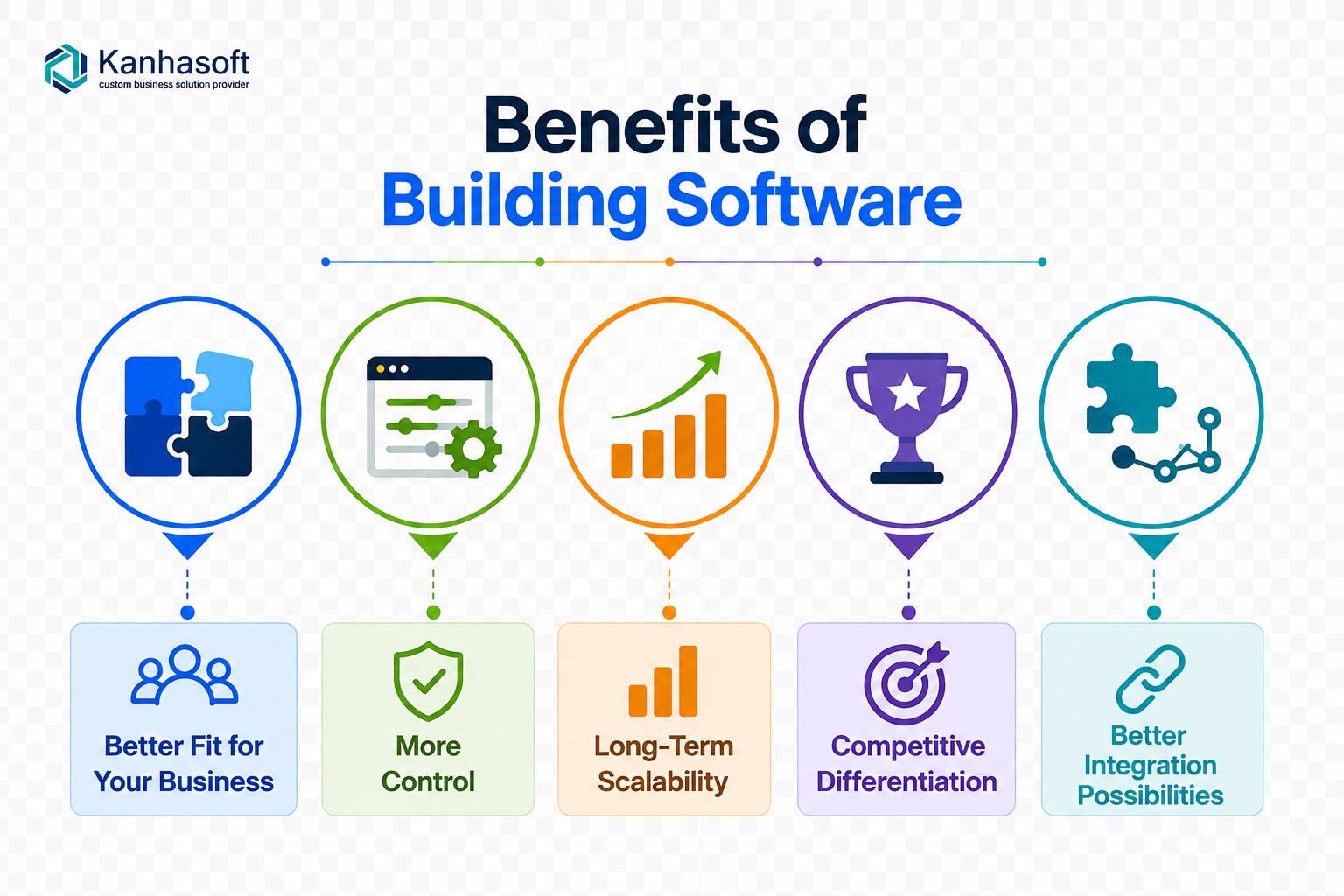
Better Fit for Your Business
Custom software can match your actual process instead of forcing your team to change everything around a tool.
More Control
You control the roadmap, features, integrations, user roles, data flow, and reporting structure.
Long-Term Scalability
Custom systems can be designed for your growth plans, team structure, and future modules.
Competitive Differentiation
If your system helps you serve customers faster, operate smarter, or make better decisions, it becomes more than software. It becomes a business asset.
Better Integration Possibilities
Custom platforms can connect with your CRM, ERP, payment gateways, mobile apps, APIs, warehouse tools, analytics systems, and third-party platforms.
Benefits of Buying Software
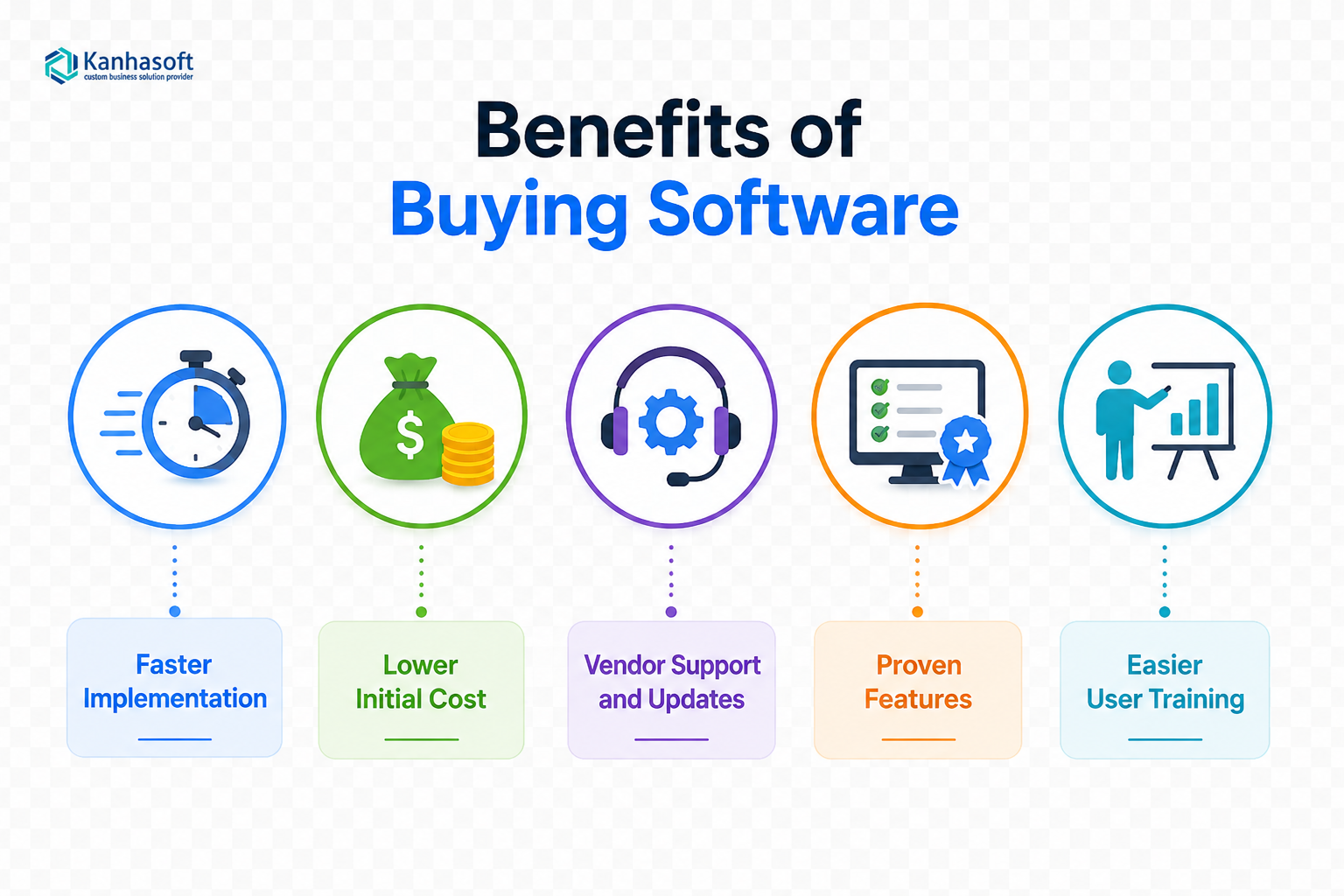
Faster Implementation
Ready-made software can often be deployed quickly with configuration and training.
Lower Initial Cost
Buying usually requires less upfront investment than building from scratch.
Vendor Support and Updates
The vendor handles product maintenance, security patches, hosting improvements, and standard feature updates.
Proven Features
Popular tools have already been tested by many users. This can reduce risk for common workflows.
Easier User Training
Well-known tools often have tutorials, documentation, partner networks, and community support.
Limitations and Challenges
Challenges of Building Software
Building software requires careful planning. Poor discovery can lead to scope creep, delays, and cost overruns.
Common challenges include:
- Unclear requirements
- Changing priorities
- Poor user adoption
- Underestimated maintenance
- Data migration complexity
- Lack of product ownership
- Security gaps if architecture is weak
A practical observation: many custom software issues begin before development starts. If the business process is unclear, the software will only automate confusion faster.
Challenges of Buying Software
Buying software can also create problems if the tool does not fit well.
Common challenges include:
- Vendor lock-in
- Subscription cost growth
- Limited customization
- API restrictions
- Data export limitations
- Feature gaps
- Overpaying for unused modules
- Teams creating spreadsheets outside the system
The biggest risk is not the subscription fee. It is the hidden cost of workarounds.
Cost Considerations: Look Beyond Upfront Price
Build vs buy software decisions often go wrong because teams only compare upfront cost.
A better view is total cost of ownership.
Consider:
- Subscription fees
- User-based pricing
- Setup and configuration
- Customization cost
- Integration cost
- Data migration
- Training
- Support
- Maintenance
- Hosting
- Security reviews
- Future scalability
- Cost of manual workarounds
Buying may be cheaper at first. Building may be more expensive at first but more efficient long term. The right calculation depends on usage volume, process complexity, and business impact.
Compliance, Security, and Risk Considerations
Before choosing any software path, review security and compliance needs.
Key questions include:
- Who owns the data?
- Where is data stored?
- Can user roles be controlled properly?
- Are audit logs available?
- Can data be exported if needed?
- Does the system support encryption?
- What happens if the vendor changes terms?
- Are APIs secure and documented?
- Does the system support industry compliance needs?
For healthcare, finance, insurance, legal, education, and government-related workflows, consult qualified security, legal, or compliance professionals before finalizing the system.
Need Help Deciding Whether to Build or Buy?
If your team is comparing off-the-shelf software, custom software development, or a hybrid approach, Kanhasoft can help you review the decision from a practical business angle.
A useful first step is mapping your current workflow, identifying tool gaps, reviewing integration needs, and estimating the real cost of workarounds. From there, you can decide whether to buy, build, customize, or connect existing systems.
The goal is not to build software for the sake of building. The goal is to choose the option that saves time, improves control, supports growth, and makes sense for your business.
Conclusion
Build vs Buy Software is not a one-time technical choice. It is a business decision about speed, control, cost, risk, and long-term value.
Buying software works well when your needs are common and speed matters. Building software makes sense when your process is unique, your growth depends on better workflows, or standard tools create too many limitations. A hybrid approach often gives the best balance when businesses need both speed and flexibility.
The smartest decision starts with process clarity. Once you understand your workflows, users, data, risks, and growth plans, the Build vs Buy Software choice becomes much easier to make.